To insert the best quality image, you should select “Full size”:
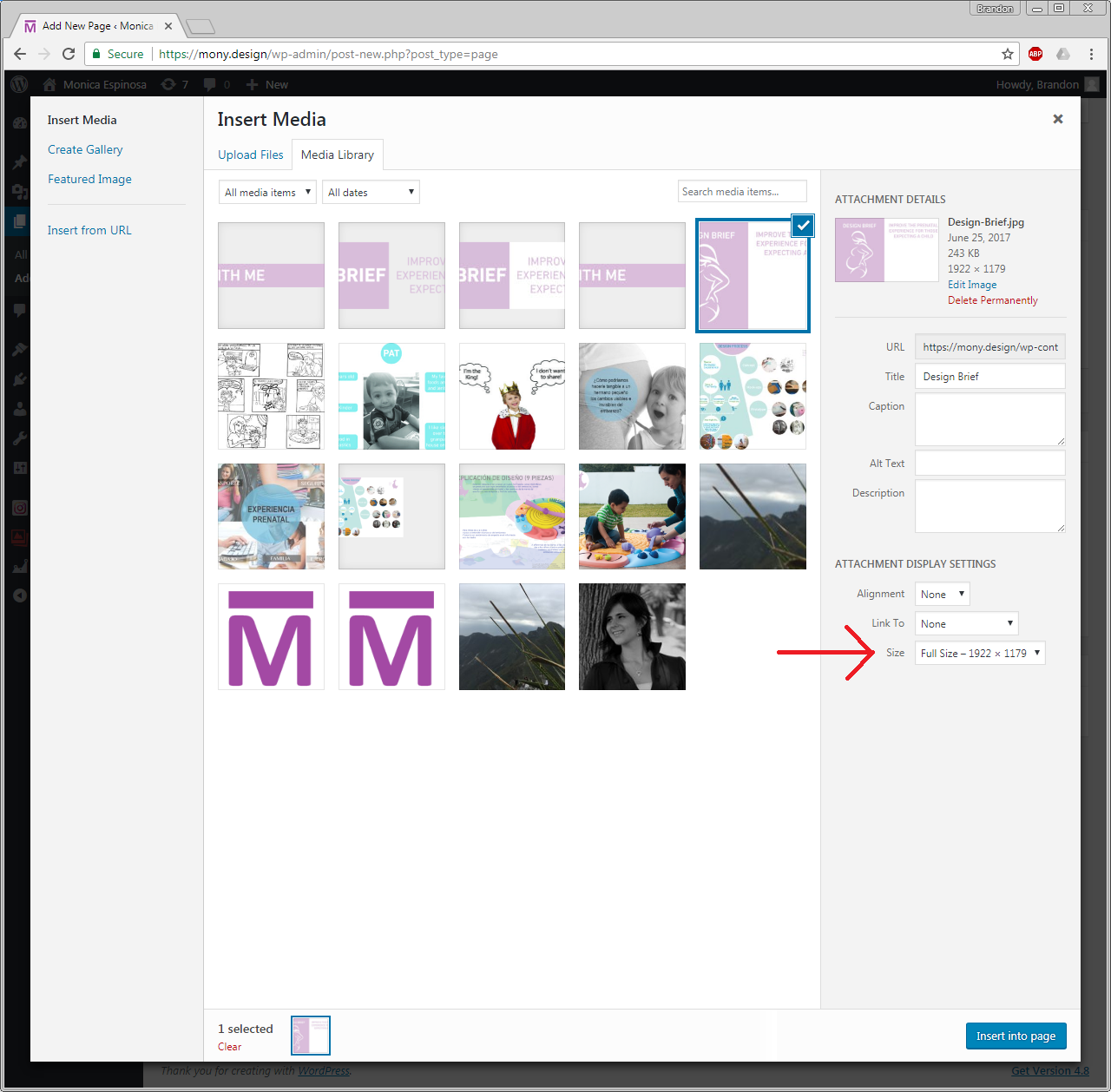
But beware, your theme is only wide enough to allow images up to 904px wide on desktop. Anything wider will be scaled by the browser. For example, the “Grow with me” title image is 3300px wide. Even though you embedded this at full size, it has to be shrunk by the browser; I would recommend that you edit all images so that they have width less than 900px.
In general, you can either:
- Edit your image to be 900px wide.
- Pick a new theme that is wider (none will be able to display 3300px wide images; most people don’t have monitors that big, so it has to scale).
- Allow the browser to scale it, and make the image a link (like we did before, like these examples) so that the user can open in the lightbox. This looks good for some images (e.g. photos), but not for others (e.g. the Grow with me banner).
- Embed a smaller image, and then make the link go out to a larger image. This way, you can scale the image to 900px yourself, and make sure the quality is what you wanted, but the user can see the better one if they click.
Here is an example of #3 – I embedded a small image (thumbnail), but link to a different image. You can scale the image to 900px yourself to embed, and then also upload the full size image for the link.
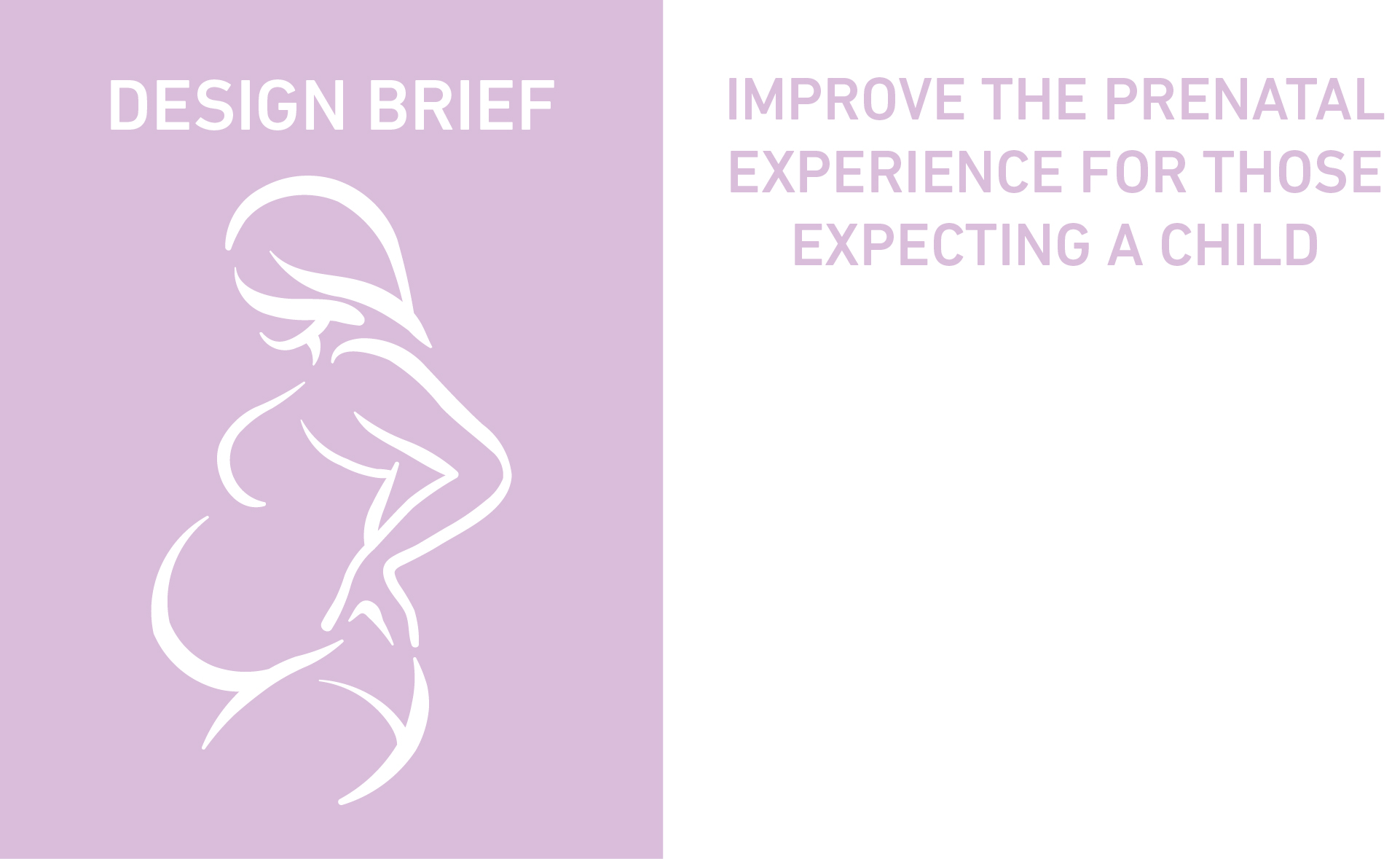
Also, keep in mind that the lightbox will size based on the browser window, so those will be blurry if the user is in a small window.